
Moving house is a good time to check your internet connection before furniture and boxes fill every room. If you are moving to Ormeau or Coomera, planning your NBN service early can help you avoid delays and make sure your internet, Wi-Fi and wired connections suit your new home.
NBN relocation on the Gold Coast can involve more than moving your router. You may need to check the connection already installed at the property, arrange an internet service with your provider and plan where you want your network equipment and data points.
Do not assume the new home will have the same internet setup as your current one. Even if both properties have an NBN connection, the connection type and equipment may be different.
Before moving, check the new address with your internet provider and ask what is needed to connect the service.
Find out:
Whether the property already has an NBN connection.
What connection technology is available at the address.
Whether you need to arrange a new service or transfer your existing service.
Whether any equipment needs to stay at the old property.
Whether a technician visit or further work may be required.
The process depends on the property and your provider. Do not cancel your existing service too early if you need internet access during the move. Confirm the timing with your provider first.
If you are moving into a newly built home, ask whether the connection is ready to use. A property can have data cabling inside but still need work or service activation before the internet works.
Before unpacking, locate the equipment already installed at the new property. Depending on the connection type, there may be an NBN connection box, an NBN utility box or other equipment used to connect your home.
The exact setup varies, so do not assume every property has the same boxes or cables.
Your router also needs a suitable location. Putting it inside a closed cupboard or behind large furniture may affect Wi-Fi coverage.
Look for a location that is:
Easy to reach when you need to restart or check the equipment.
Near a suitable power outlet.
Away from places where equipment could be knocked or damaged.
Well placed for sending Wi-Fi around the areas you use most.
In a larger home in Coomera, for example, a router at one end of the house may not provide good coverage in bedrooms or an outdoor living area. A smaller home in Ormeau may have different needs depending on its walls, layout and building materials.
Plan the router location around the whole home, not just the room where the internet connection enters.
Moving is a useful time to decide where you want wired internet connections. A data point is a wall outlet connected to network cabling. It can provide a direct connection for suitable devices instead of relying on Wi-Fi.
Consider the rooms where you may use a computer, television, gaming console or other network equipment. You may also want a wired connection for a home office or a central network location.
Before choosing the points, think about:
Where your desk and computer will sit.
Where televisions and entertainment equipment will go.
Whether a study or spare room may become a home office.
Whether you need network connections in more than one room.
Where the router and other network equipment will be kept.
It is often easier to plan cable routes before furniture is in place. The installer can then consider suitable routes through the building and where the outlets should be positioned.
For help planning wired connections, see our Ethernet installation service in the Gold Coast
A working NBN connection does not guarantee strong Wi-Fi in every room. Your internet service brings the connection into the home, while your router distributes it to your devices.
Wi-Fi performance can be affected by distance, walls, building materials, interference and the location of the router.
After moving in, test the connection in the rooms where you need it most. Check video calls in the home office, streaming in the living room and signal strength in bedrooms.
If the signal is weak in certain areas, moving the router may help. Depending on the layout, you may also need a better network setup or additional access points.
Avoid buying extra equipment before checking the cause of the problem. The best solution depends on the size of the home, the existing cabling and how you use the internet.
Our Wi-Fi network installation service can help you plan network coverage around your property.
If your new home is being built or renovated, discuss network cabling before wall linings and finishes are completed. This can make it easier to plan cable routes and place outlets where they will be useful.
For an existing home, ask the installer to check what cabling is already available before adding new runs. Some properties may have useful data points, while others may need additional work.
Do not assume that a telephone outlet is ready to provide the wired network connection you want. The cable type, termination and existing setup need to be checked.
Good planning also includes thinking about where the network equipment will sit and how it can be accessed later. A tidy, accessible setup is easier to maintain than equipment hidden behind furniture or mixed in with unrelated cables.
If you are also planning CCTV for your new home, read our guide to what happens during an in-home security assessment before choosing camera locations.
Your internet provider and your cabling installer may need to handle different parts of the job. Your provider manages the internet service, while a cabling installer can help with suitable internal network cabling, data points and Wi-Fi setup.
Before moving day, confirm the service arrangements with your provider. If extra cabling or network work is needed, discuss the scope and timing with your installer.
Keep these tasks on your moving checklist:
Confirm the NBN connection and service arrangements at the new address.
Check what equipment is already installed.
Decide where the router should go.
Plan data points for work, entertainment and other connected devices.
Test Wi-Fi in the rooms you use most.
Arrange any required installation work before you depend on the connection.
A little planning before moving can help you avoid poor Wi-Fi coverage, awkward cable runs and data points in the wrong places. Start by checking the connection at the address, then plan the router location and any wired connections around the way you will use the home.
Whether you are moving to Ormeau, Coomera or elsewhere on the Gold Coast, the best setup depends on the property and your needs.
Contact GC Data Cabling to discuss your NBN and home network setup before or after your move so you can plan the right next steps.
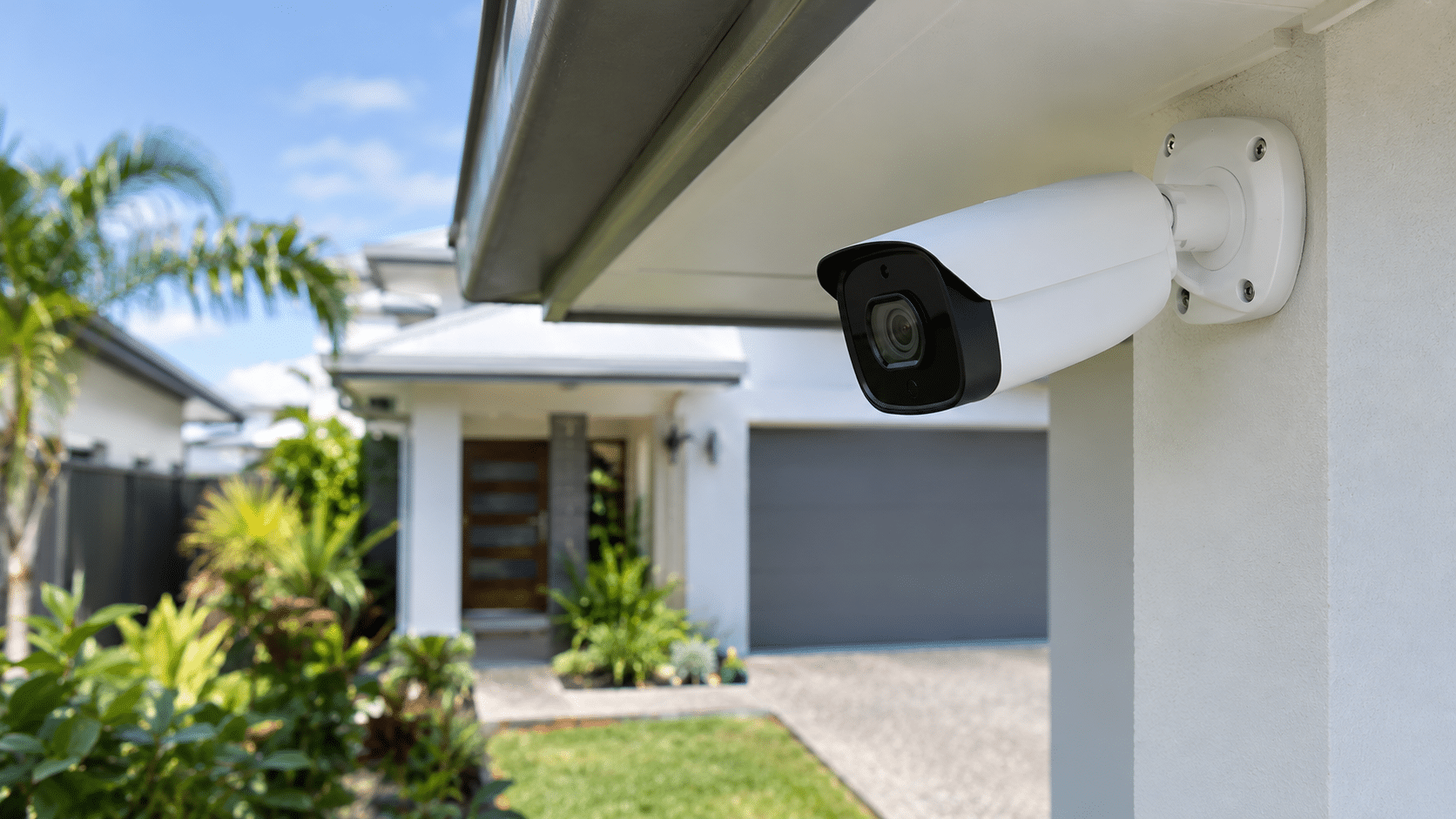
Most units and townhouses need only a few well-placed security cameras to cover their main entry points. The right number
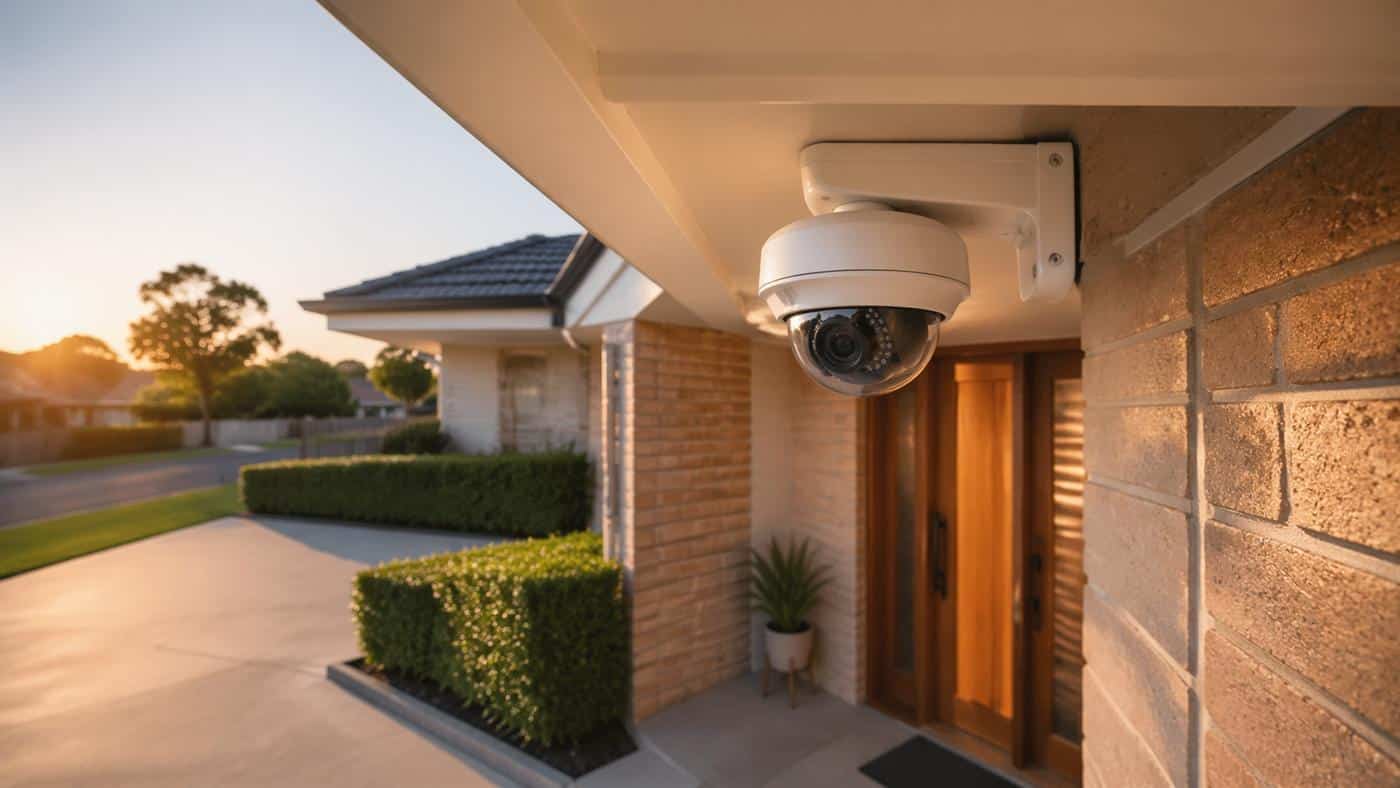
An in-home security assessment helps you understand what security equipment your property needs before you receive a written price. The
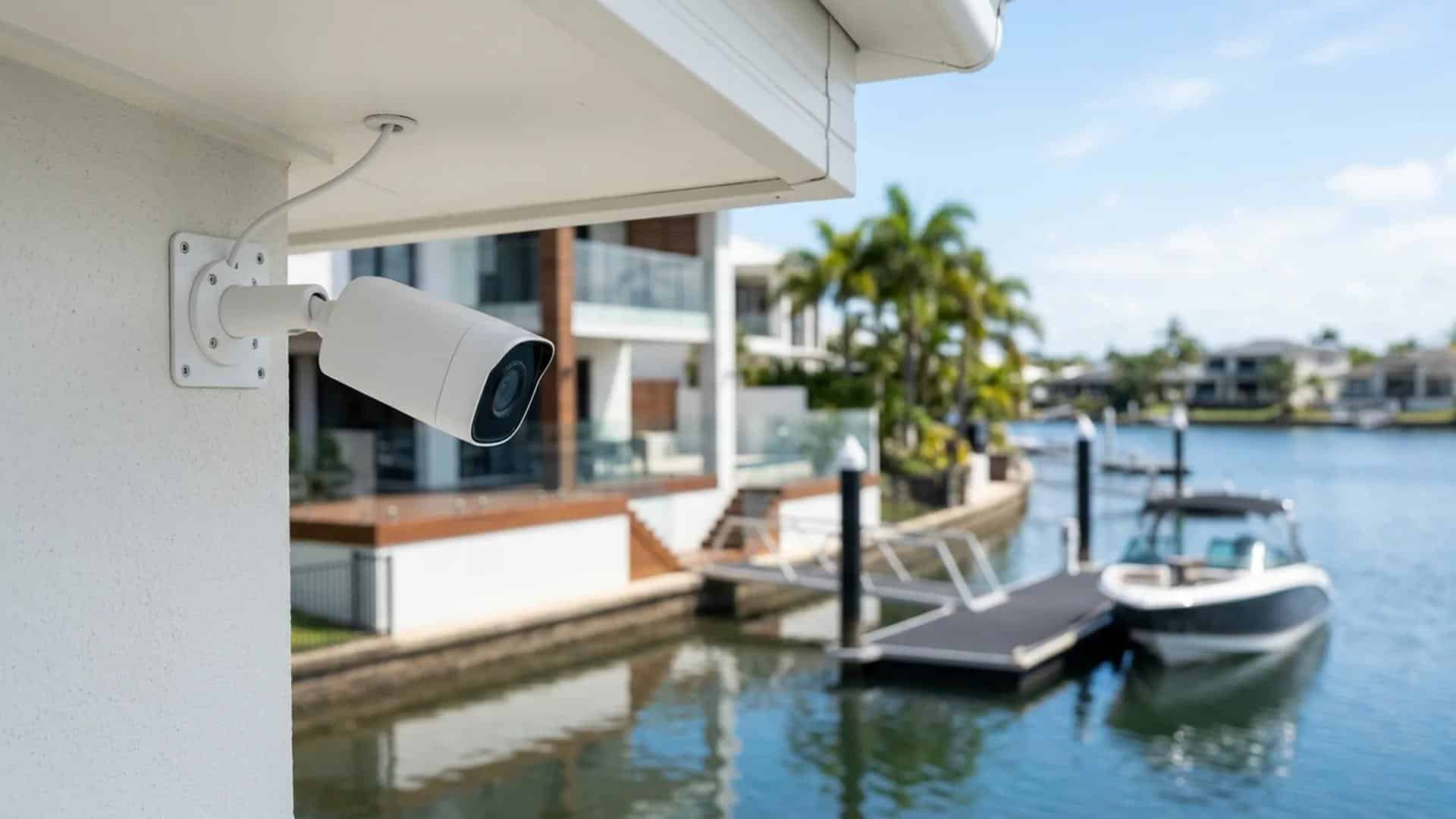
You can use home security cameras to watch your driveway, front door, side gate and other parts of your property.
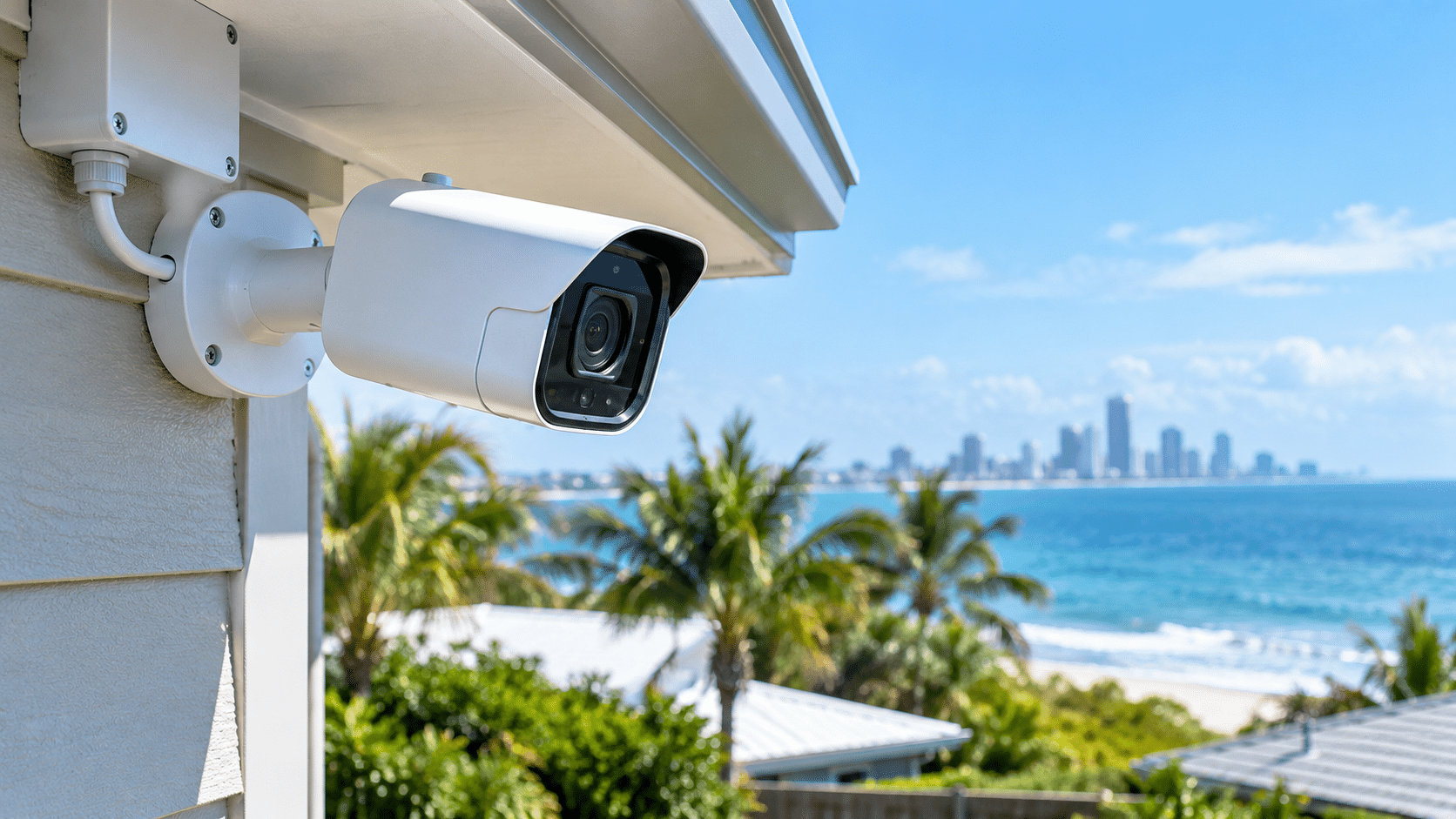
Salt air, humidity and rain can damage outdoor security cameras over time. You may notice rust on the fittings, a
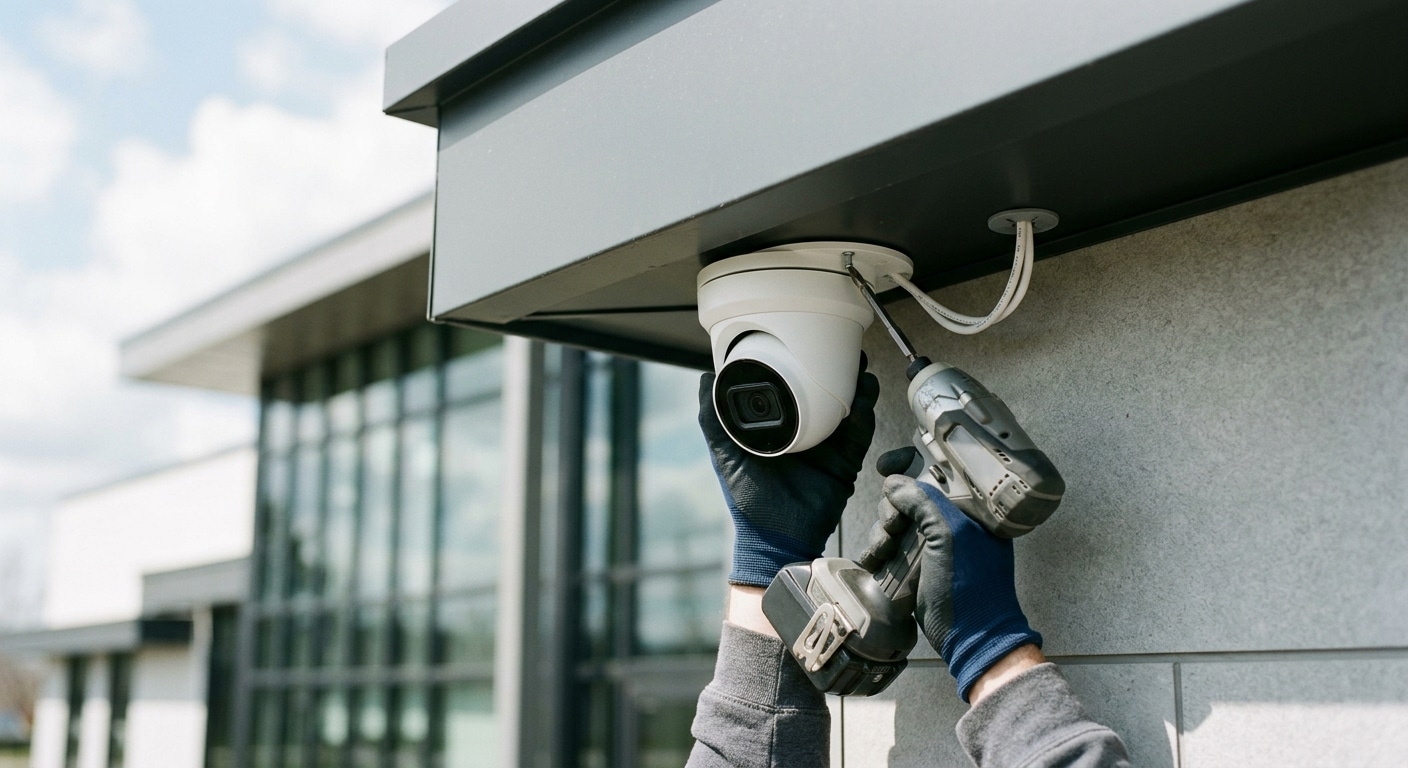
Upgrading your property with a video surveillance network involves much more than mounting cameras on exterior walls. Homeowners and commercial
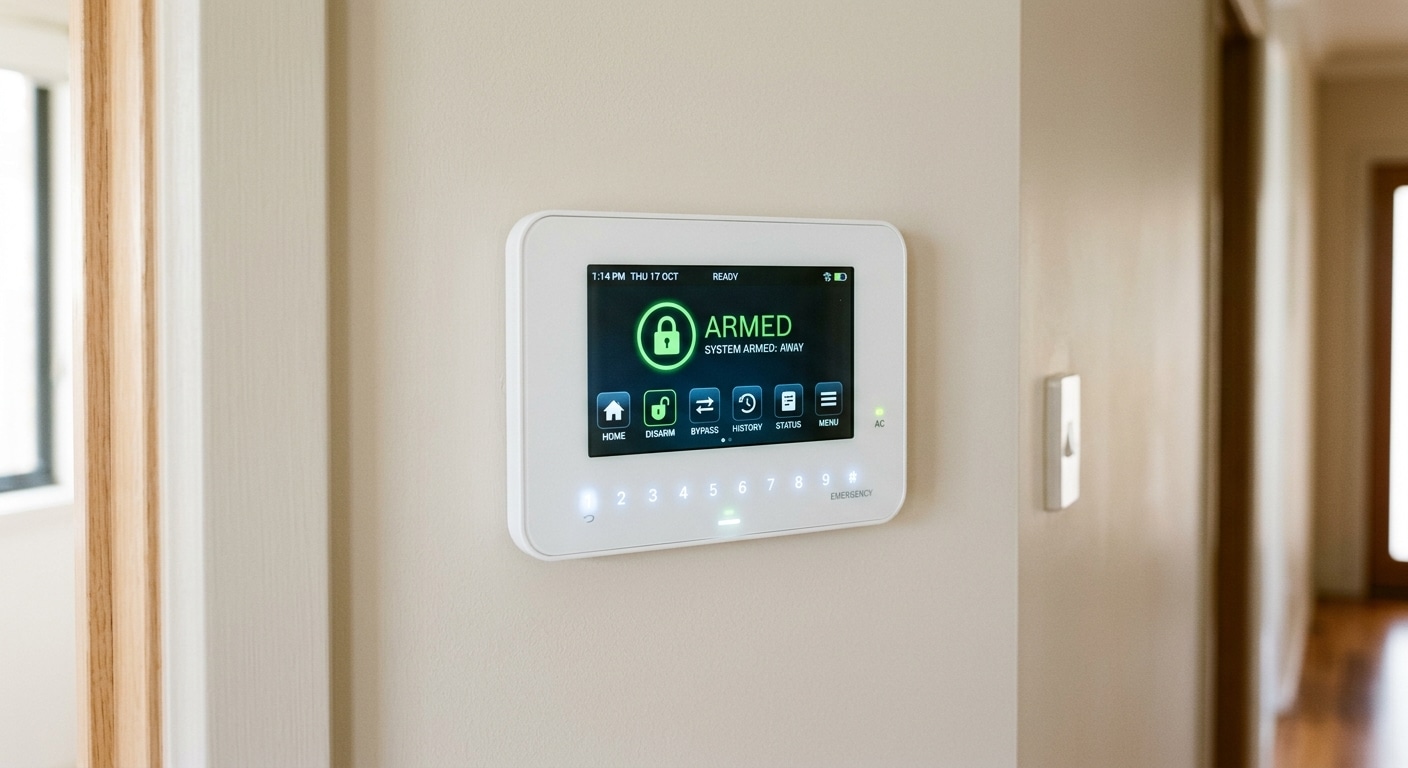
Protecting your home and family requires a reliable defense network that detects threats before an intrusion escalates. Homeowners across the
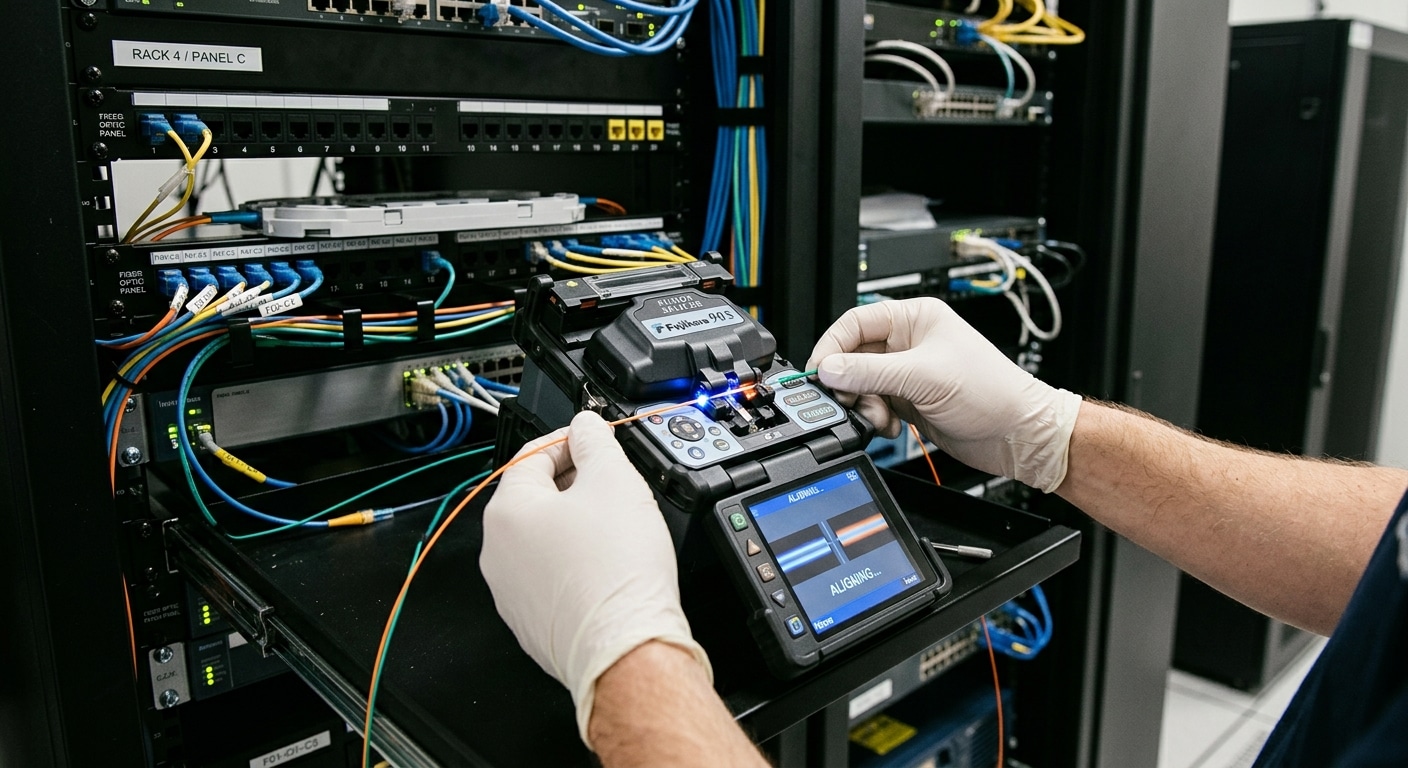
Modern commercial buildings across the Gold Coast rely on high-capacity data networks to handle continuous high-definition video streams and automated
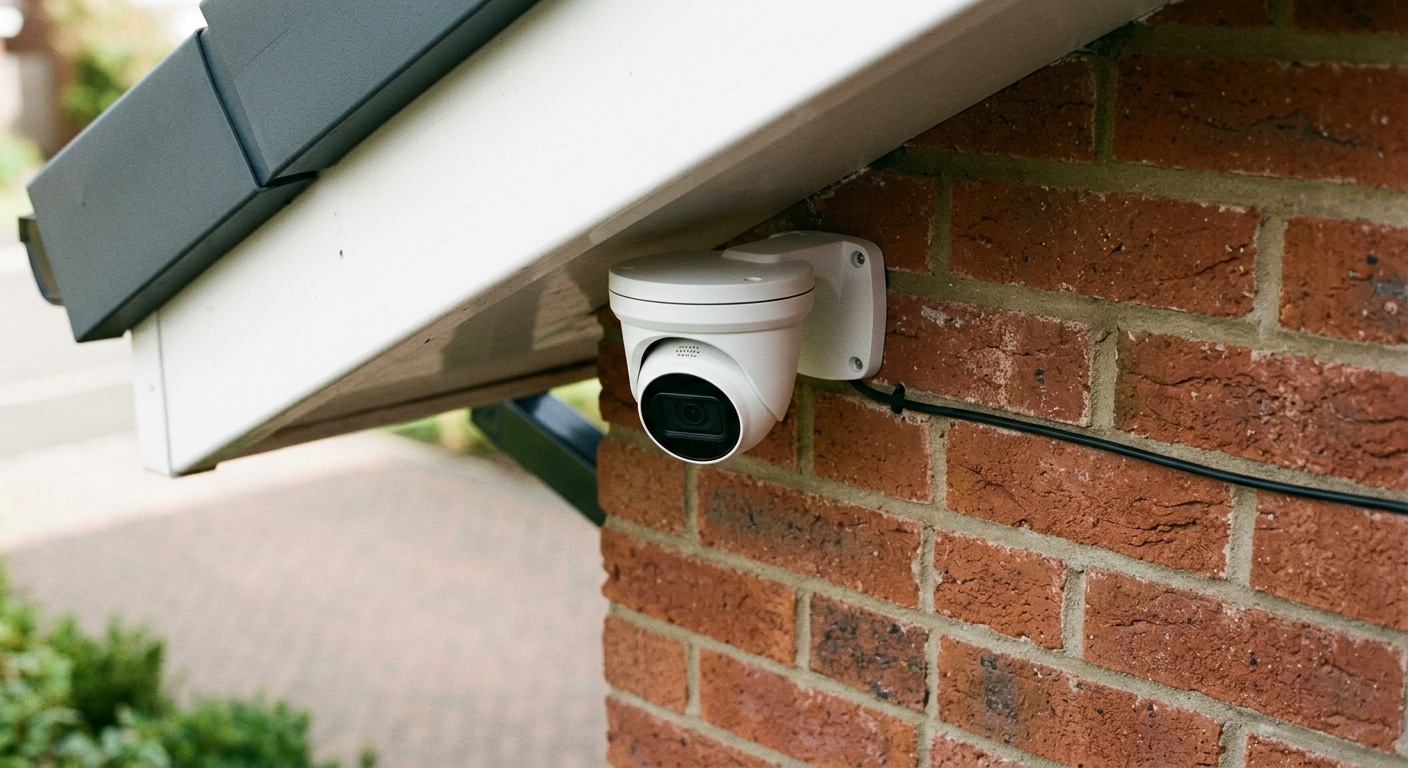
Understanding the financial breakdown of a security upgrade allows property owners across the Gold Coast and surrounding South East Queensland
When it comes to securing your home on the Gold Coast, the stakes are high and the climate can be

Construction sites are highly susceptible to theft, vandalism, and trespassing incidents. An under-construction site has costly equipment and raw materials
Ready to elevate your network with seamless, reliable data cabling solutions? Our team at GC Data Cabling is here to bring you dependable connectivity tailored to your specific needs. Whether it’s a new installation, an upgrade, or troubleshooting support, we’re committed to providing you with cost-effective, high-quality service.
Reach out now for a quick & easy quote.
We serve all locations within the Greater Gold Coast, Tweed, Byron and Logan areas. Will travel to Brisbane as well. So please reach out by phone or email to discuss how we can help.
We serve all locations within the Greater Gold Coast, Tweed, Byron and Logan areas. Will travel to Brisbane as well. So please reach out by phone or email to discuss how we can help.
514, Suite 101/30 Christine Ave,
Robina QLD 4226,
Australia