
You can use home security cameras to watch your driveway, front door, side gate and other parts of your property. The important thing is to point them carefully, respect other people’s privacy and avoid recording private activities.
When planning CCTV installation on the Gold Coast, think about what you need to protect before choosing where each camera will go. A small change in camera angle can help you watch your own property without pointing directly into a neighbour’s home or private area.
The best place for a security camera is usually where it can clearly show an entry point or area you want to protect. You do not need to record every part of the street or your neighbour’s yard to make a useful security system.
Walk around your property and identify the areas that matter most. These may include:
For example, a homeowner in Robina may want to see who approaches the front door and whether a vehicle enters the driveway. In Varsity Lakes, a home with a side path or rear gate may need a different camera position.
Plan each camera around a clear purpose. This helps avoid unnecessary views and makes it easier to decide how many cameras you actually need.
Queensland has laws that may apply to video and audio recording. Recording someone in a place where they can reasonably expect privacy, such as a bathroom, without their consent can be a criminal offence. Recording private conversations can also raise legal issues.
This does not mean you can never capture anything beyond your fence. The important details include what is being recorded, the circumstances and whether the recording affects another person’s privacy.
A camera that captures part of a public footpath is different from one aimed into a neighbour’s bedroom or private courtyard. Do not assume every view outside your property is automatically allowed, or that owning the camera gives you unlimited recording rights.
If you are unsure about a particular camera angle, check the relevant Queensland guidance or seek legal advice. Careful placement is a sensible first step.
A common source of disagreement is a camera that appears to watch a neighbour rather than the property it is meant to protect.
Avoid aiming a camera directly at a neighbour’s windows, private courtyard or areas where people may reasonably expect privacy. This is especially important when homes are close together or back onto each other.
Before fixing a camera in place, check the view from its proposed position. Ask yourself:
If the camera captures more of the neighbouring property than needed, adjust the angle. The goal is to record the area you need to protect, not to watch what other people do at home.
Camera placement is only one part of a good CCTV setup. You also need to think about how outdoor cameras handle the local weather. Read our guide on how salt air damages outdoor security cameras on the Gold Coast to learn what to look for when choosing and protecting cameras near the coast.
Some CCTV systems include a feature called privacy masking. It lets you block out parts of the picture so that selected areas are not shown in the recording. The feature and its limits depend on the camera and recording system.
For example, if your driveway camera also sees part of a neighbour’s window, a privacy mask may help hide that section. It can also be useful where a camera must cover your front path but the edge of the image includes an area you do not need to record.
Privacy masking is not a substitute for choosing the right camera position. Start by aiming the camera correctly, then check whether masking can reduce any remaining unwanted view.
Test the result using both live viewing and recorded footage. Some systems may handle privacy settings differently across live view, playback or exported recordings.
A camera mounted too high may show the top of someone’s head but not enough facial detail. A camera mounted too low may be easier to reach or interfere with normal activity around an entry.
The best height depends on the camera, the area being watched and the type of detail you need. Test the view before drilling holes or fixing the camera permanently.
Also check what happens at night. Outdoor lights, reflective surfaces and infrared night vision can affect how clearly a camera records people approaching your home.
A useful test is to walk through the area during daylight and after dark, then review the recordings. Check whether the entry is visible, whether faces can be seen at a useful distance and whether lights create glare.
Units and townhouses can be more complicated than detached homes. A camera may face a shared driveway, common walkway, visitor parking area or another part of the property used by several residents.
If you live in a community titles scheme, check the applicable body corporate rules and approval process before installing a camera on common property or changing shared areas. Queensland body corporate guidance also highlights the need to consider other residents’ use and enjoyment of their property.
Do not assume you can attach equipment to a shared wall or record a common area without checking first. If you rent, ask your property manager or owner about permission before making changes to the building.
Planning these details early can prevent problems after the camera has been installed.
Before the system is ready to use, check each camera’s field of view and review actual recordings. A picture that looks fine on a phone screen may reveal unwanted areas when you view the full recording.
Use this final checklist:
For homeowners in Robina, Varsity Lakes and across the Gold Coast, good camera placement starts with a clear purpose and respect for privacy. If you are unsure where to position a camera, plan the view before installing it.
Contact GC Data Cabling to discuss your CCTV installation and work out a suitable camera layout for your property.
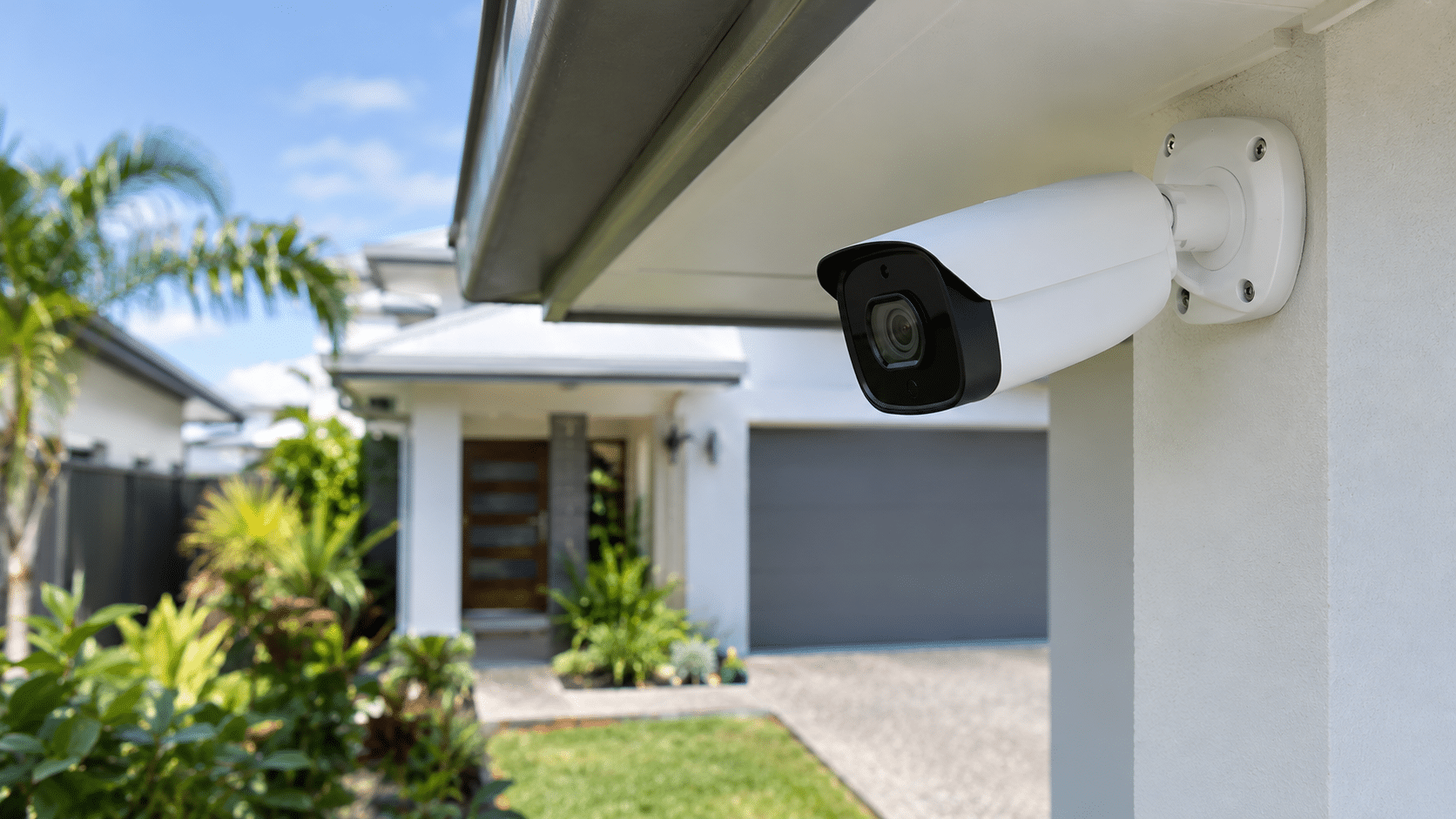
Most units and townhouses need only a few well-placed security cameras to cover their main entry points. The right number
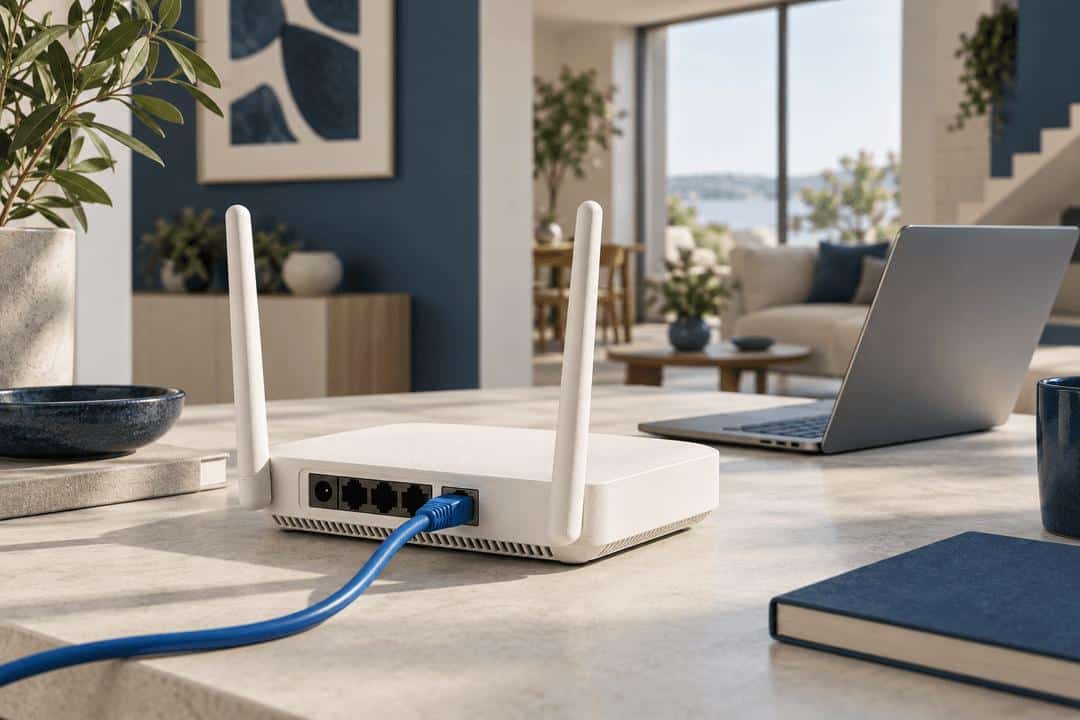
Moving house is a good time to check your internet connection before furniture and boxes fill every room. If you
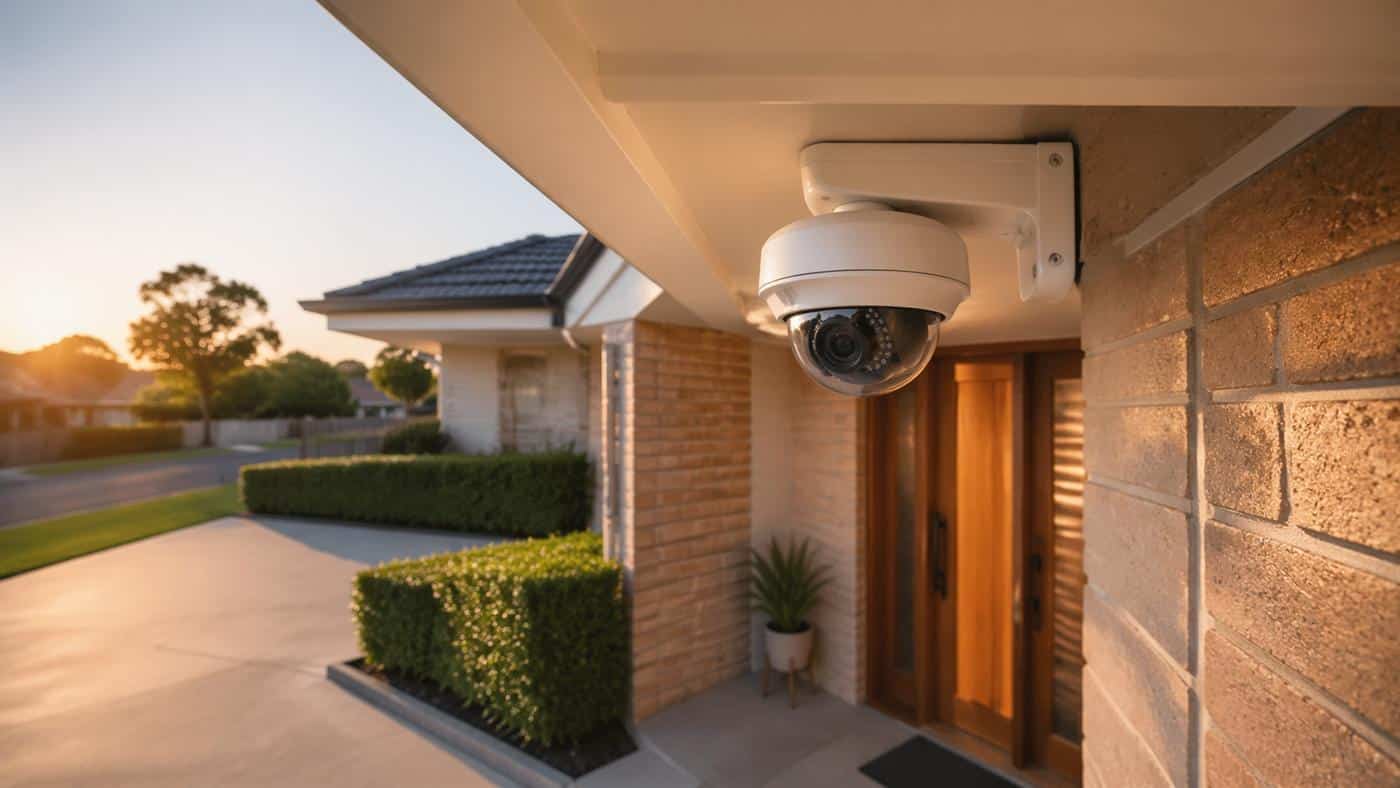
An in-home security assessment helps you understand what security equipment your property needs before you receive a written price. The
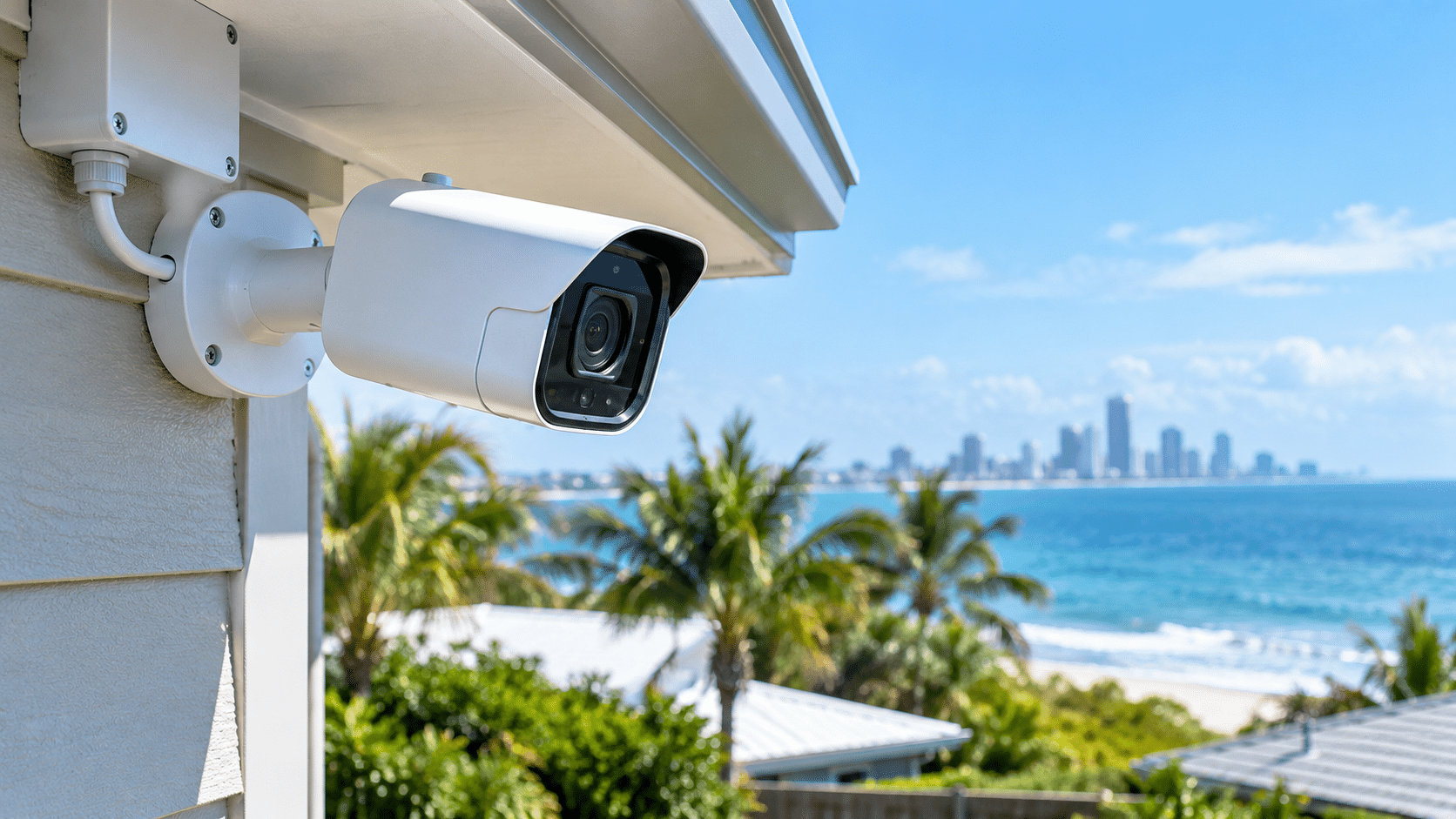
Salt air, humidity and rain can damage outdoor security cameras over time. You may notice rust on the fittings, a
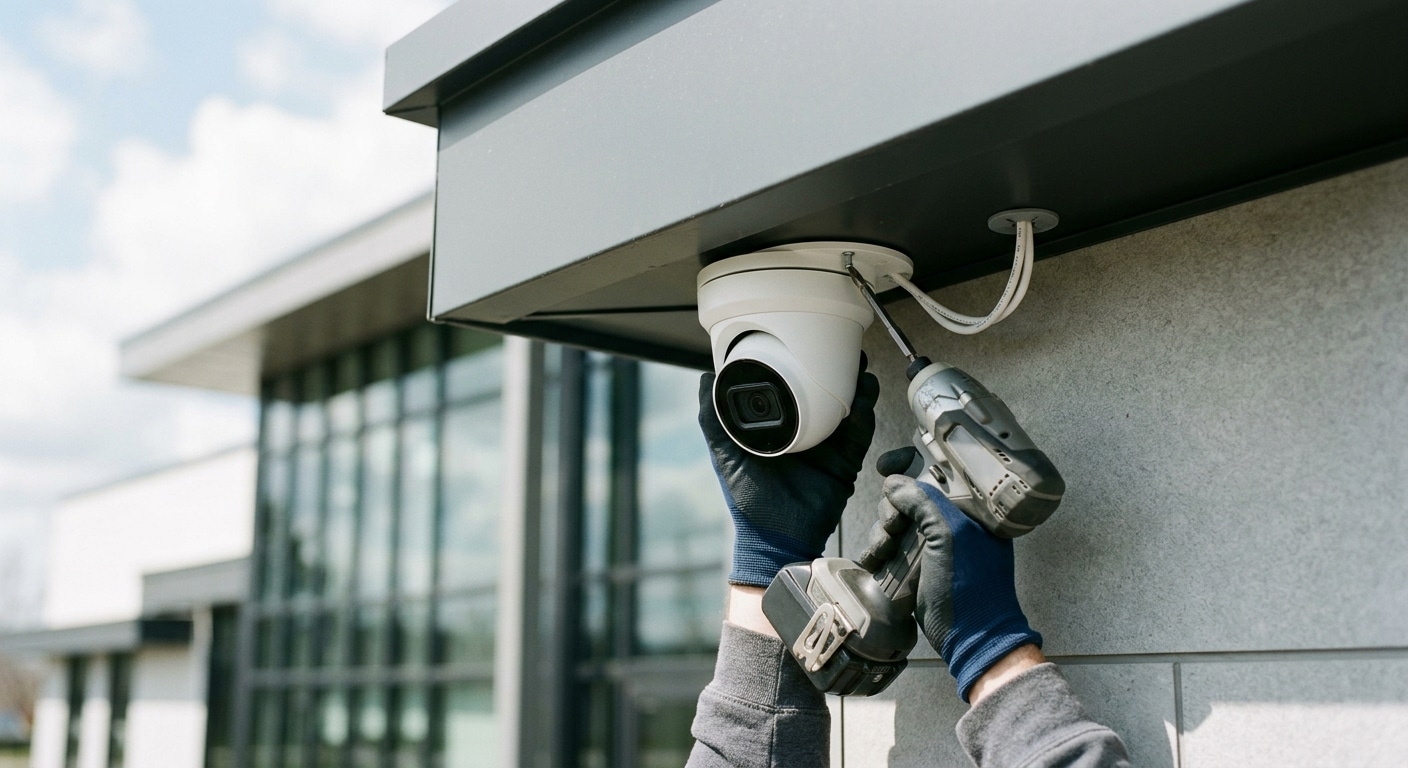
Upgrading your property with a video surveillance network involves much more than mounting cameras on exterior walls. Homeowners and commercial
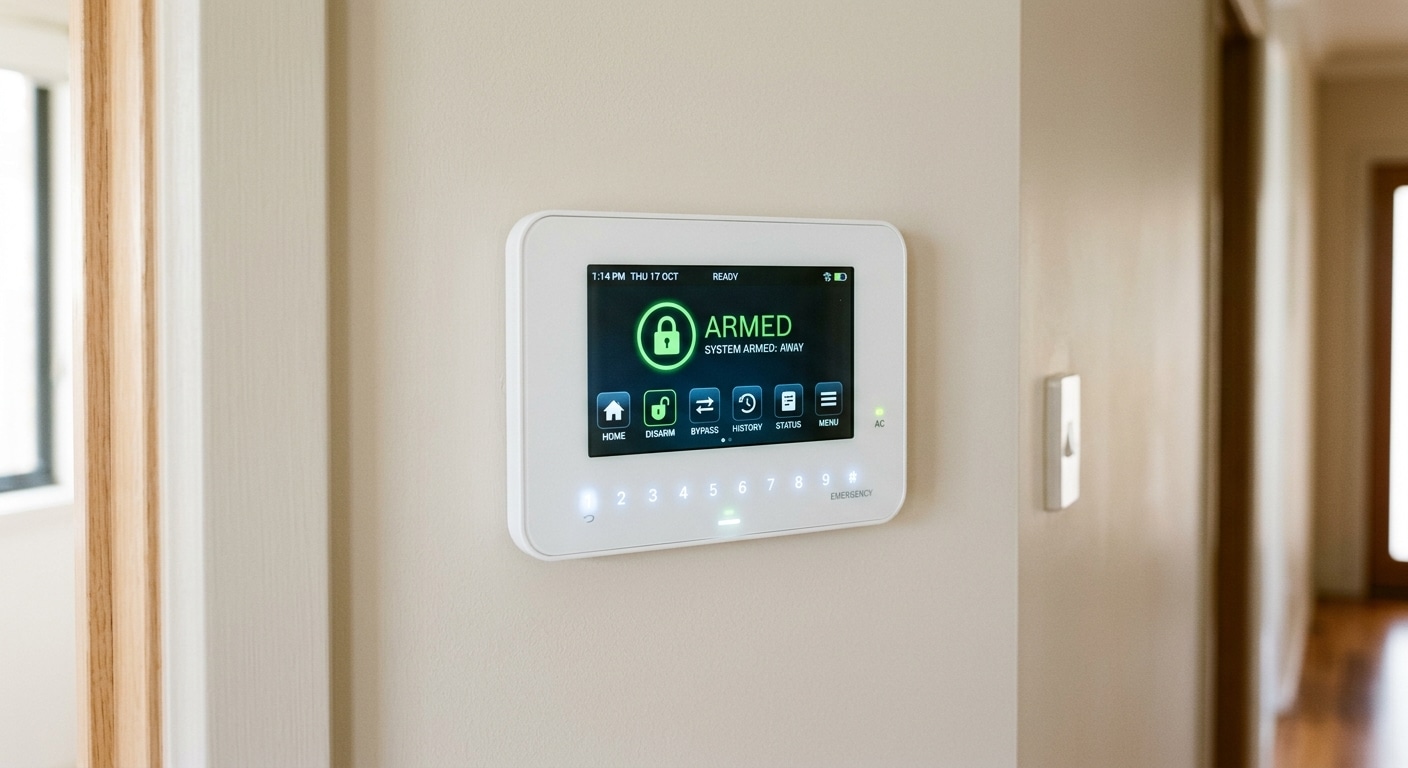
Protecting your home and family requires a reliable defense network that detects threats before an intrusion escalates. Homeowners across the
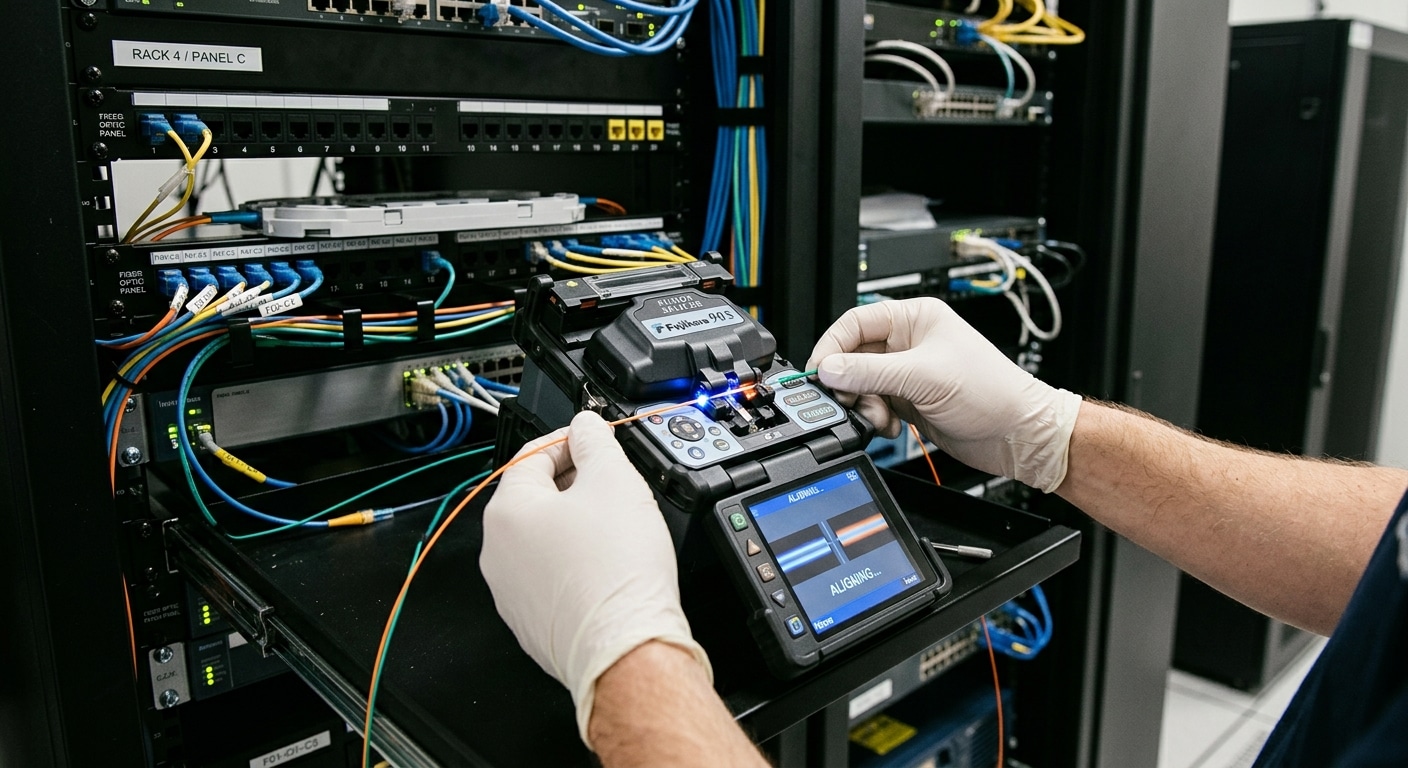
Modern commercial buildings across the Gold Coast rely on high-capacity data networks to handle continuous high-definition video streams and automated
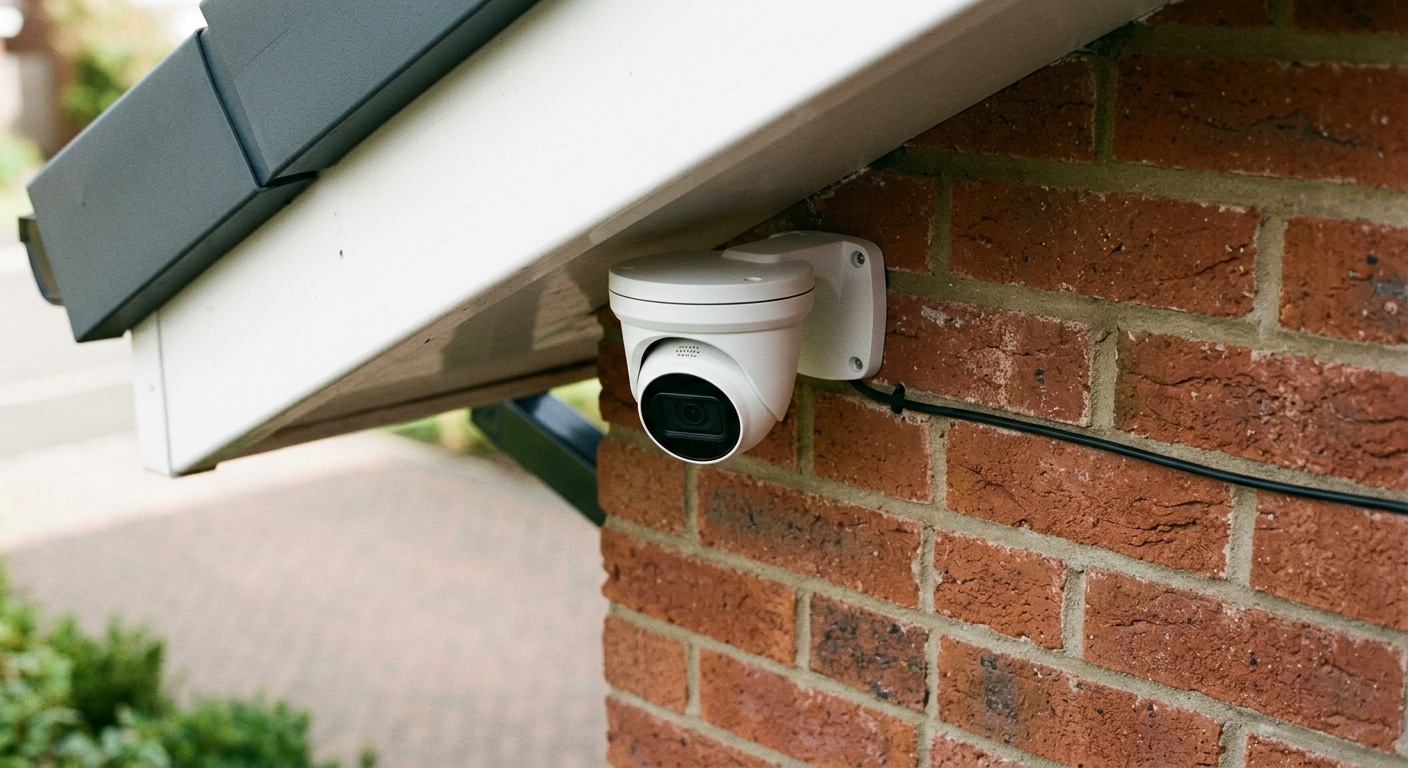
Understanding the financial breakdown of a security upgrade allows property owners across the Gold Coast and surrounding South East Queensland
When it comes to securing your home on the Gold Coast, the stakes are high and the climate can be

Construction sites are highly susceptible to theft, vandalism, and trespassing incidents. An under-construction site has costly equipment and raw materials
Ready to elevate your network with seamless, reliable data cabling solutions? Our team at GC Data Cabling is here to bring you dependable connectivity tailored to your specific needs. Whether it’s a new installation, an upgrade, or troubleshooting support, we’re committed to providing you with cost-effective, high-quality service.
Reach out now for a quick & easy quote.
We serve all locations within the Greater Gold Coast, Tweed, Byron and Logan areas. Will travel to Brisbane as well. So please reach out by phone or email to discuss how we can help.
We serve all locations within the Greater Gold Coast, Tweed, Byron and Logan areas. Will travel to Brisbane as well. So please reach out by phone or email to discuss how we can help.
514, Suite 101/30 Christine Ave,
Robina QLD 4226,
Australia